Updates
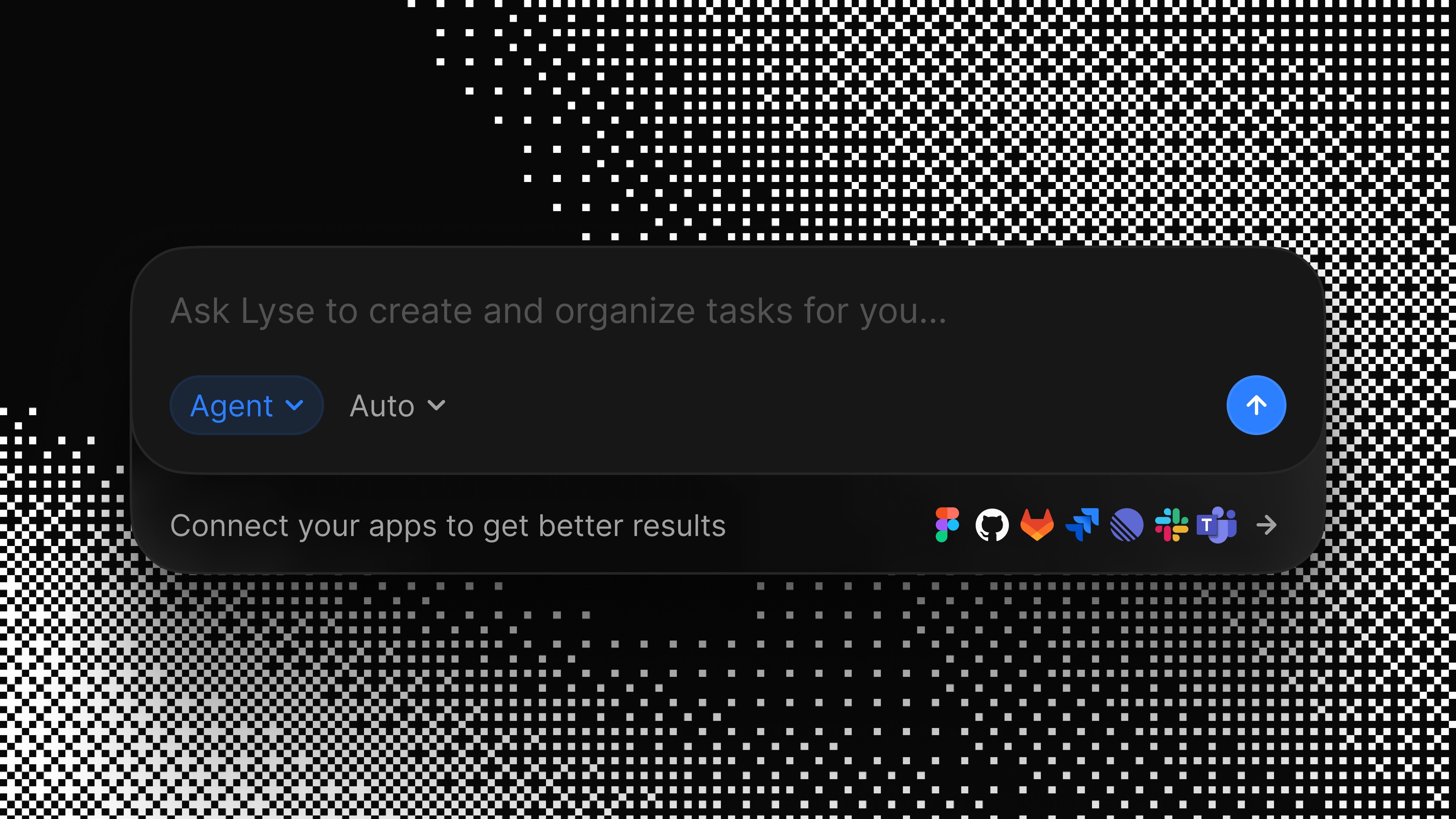
Lyse introduces a conversational interface to generate specs directly from the web app. You can now describe work in natural language through the Lyse Chat, refine details over multiple messages, and preview the generated task before publishing. Lyse pulls context from your connected tools to produce specs with real file paths, suggested assignees, and calibrated estimates. Responses stream in real time through live generation, so you see the spec taking shape as it's written. This release makes it faster to go from a rough idea to a complete, publishable spec, without leaving the Lyse dashboard.
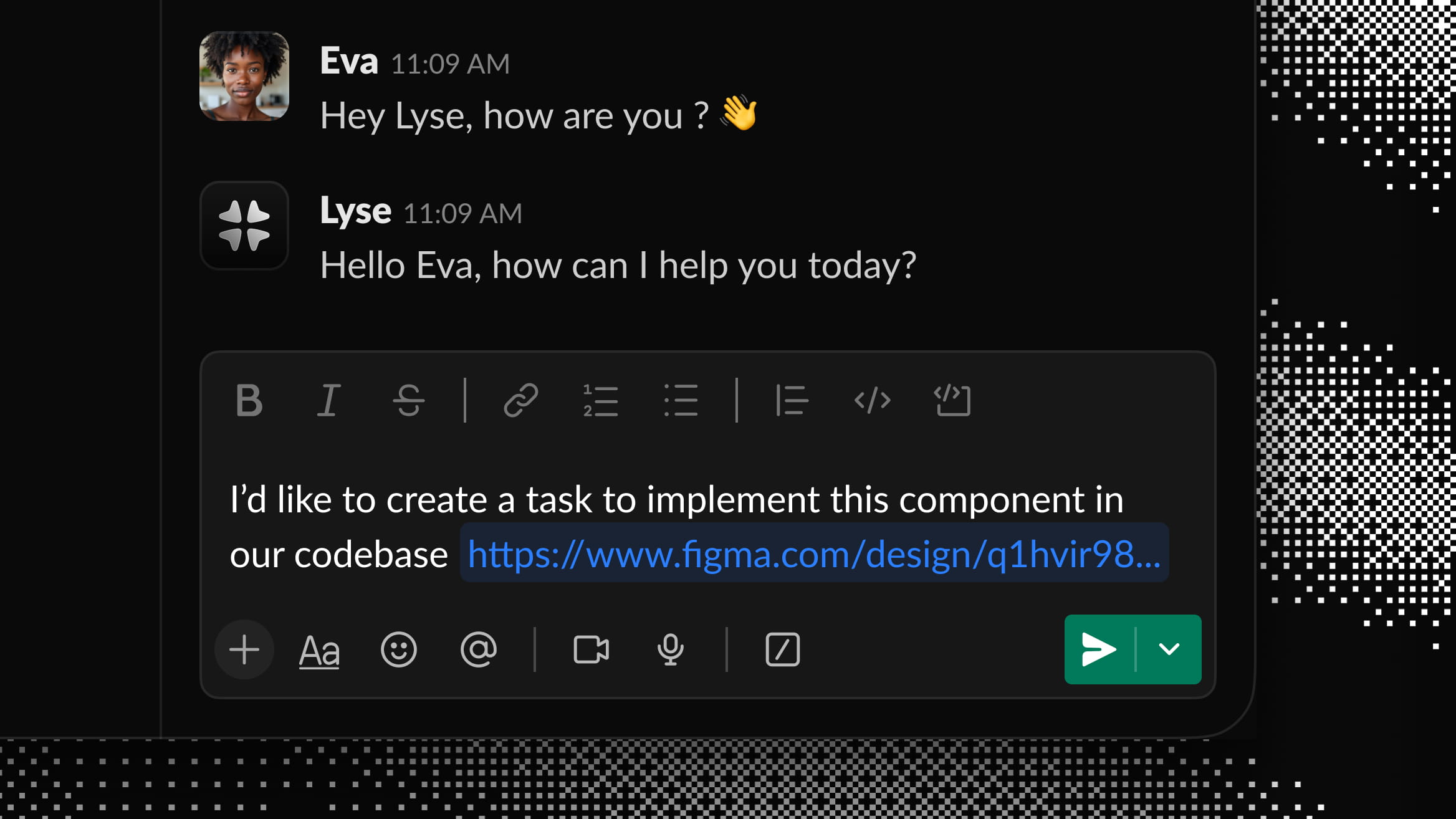
Lyse v0.5.1 replaces the Library Publish webhook system with Design to Task, a new on-demand approach currently available in Slack. You can now paste any Figma component link from any file directly in Slack, and Lyse turns it into a contextualized ticket for your team. This change solves reliability issues we encountered with Figma's webhook data, which sometimes returned incomplete or inconsistent information after library publishes. This release strengthens stability, simplifies Figma connection setup, and gives you more control over which design changes become tasks.
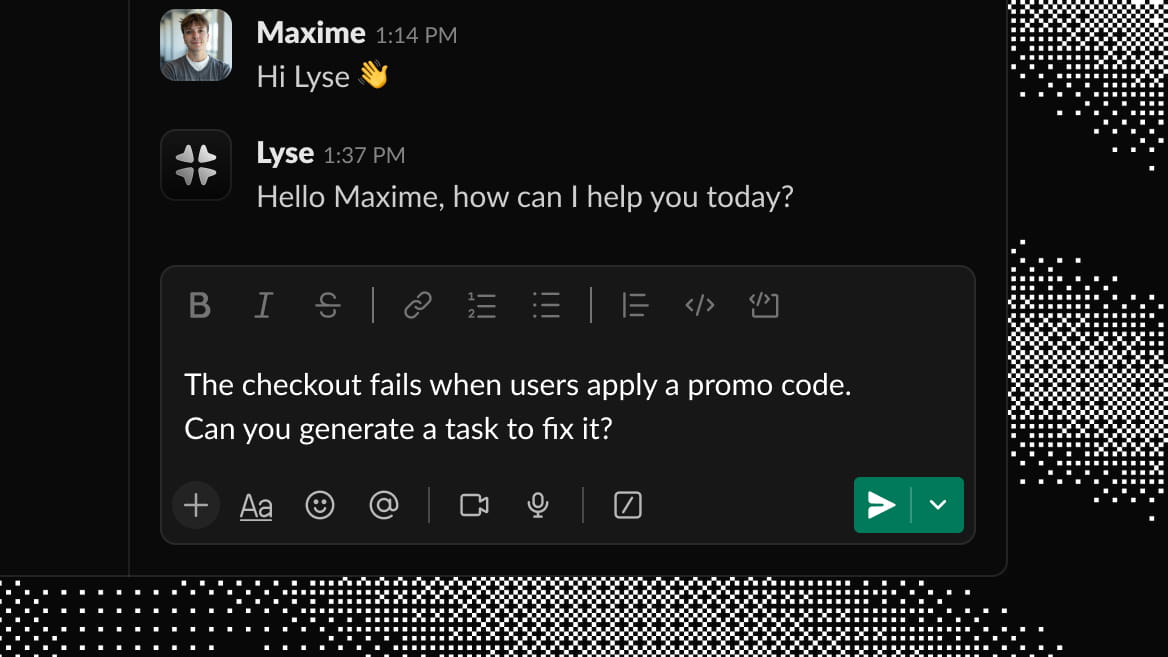
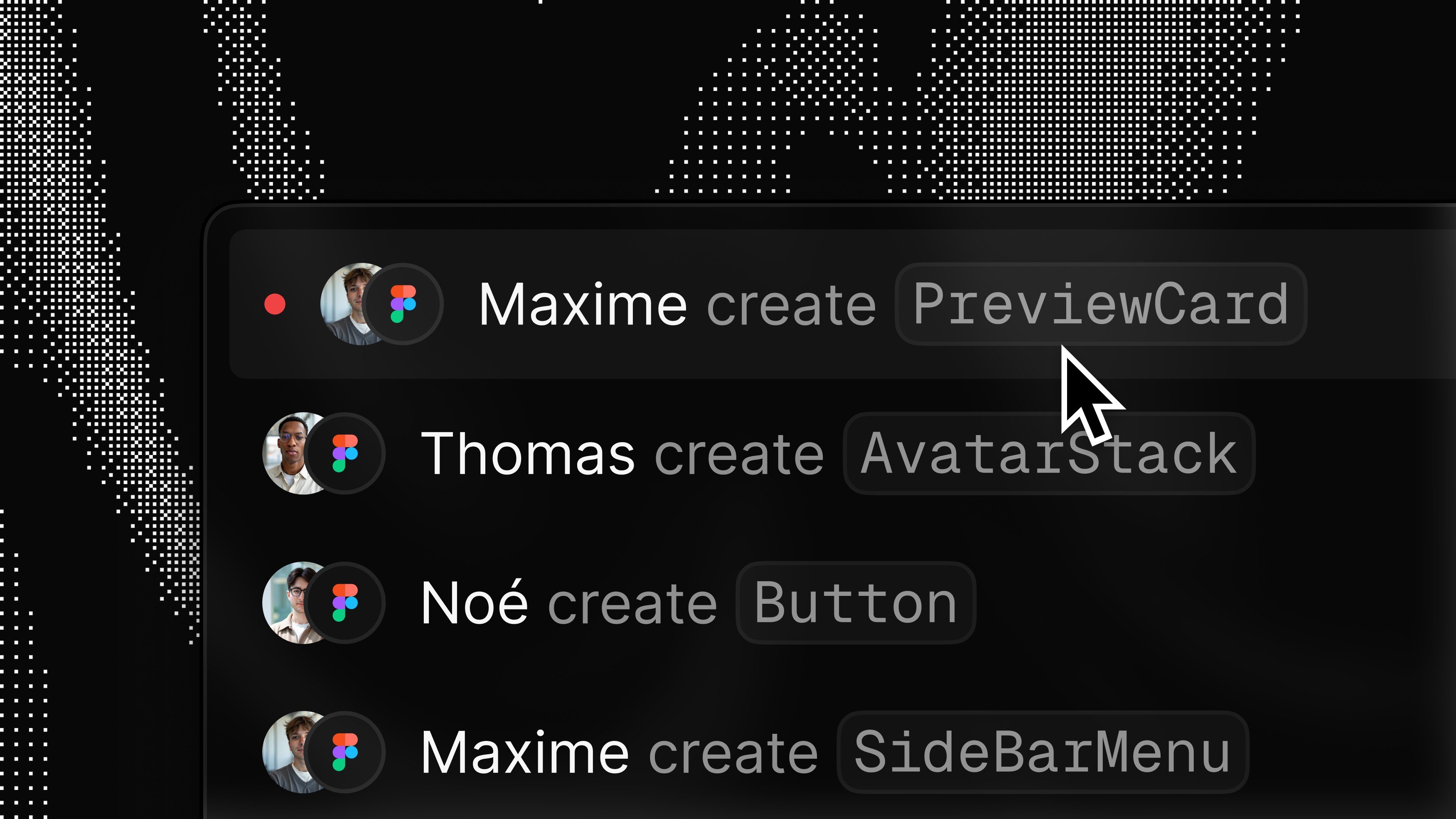
Lyse v0.5 brings a major update: you can now create tasks directly from Slack without leaving your conversations. With Chat to Task, you can DM the Lyse agent or @mention it in any channel to turn discussions into actionable tickets in Linear, GitHub, Jira, or GitLab. The entire Slack workspace can now use Lyse by linking members to your organization — no individual setup required. We've also improved how Lyse detects action items within conversations, so the tasks it creates are more accurate and contextual. This release transforms Slack from a place where tasks get lost into a place where tasks get done.
Lyse 0.4 brings a smoother, faster experience across the entire interface. You now see real-time inbox updates — issues appear instantly after each Figma publish, no page refresh needed. We've also improved global contrast and interaction states throughout the app for better clarity, and delivered a 12% performance boost compared to the previous version. This release strengthens usability and responsiveness while keeping everything compatible with your existing workflow.
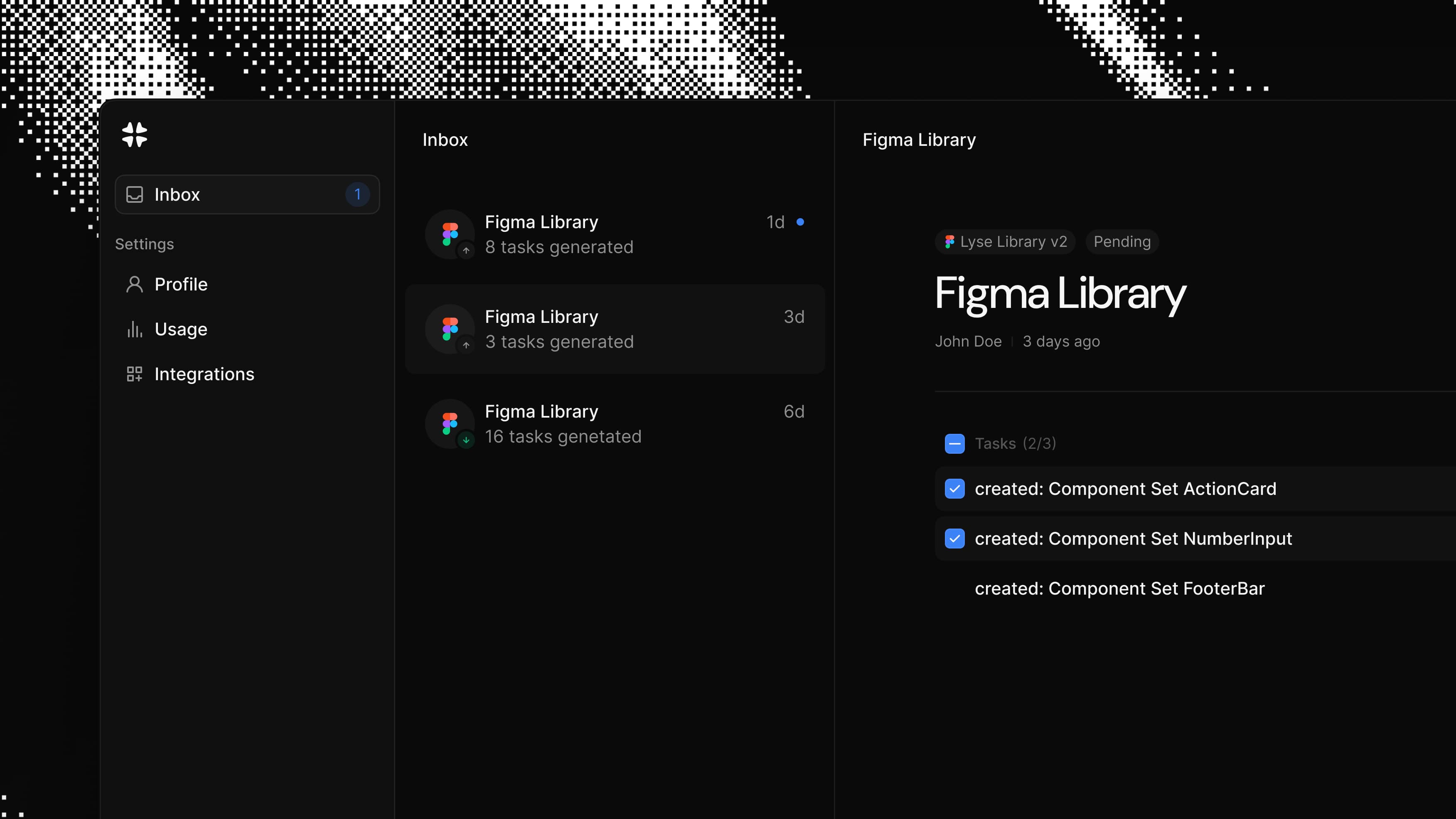
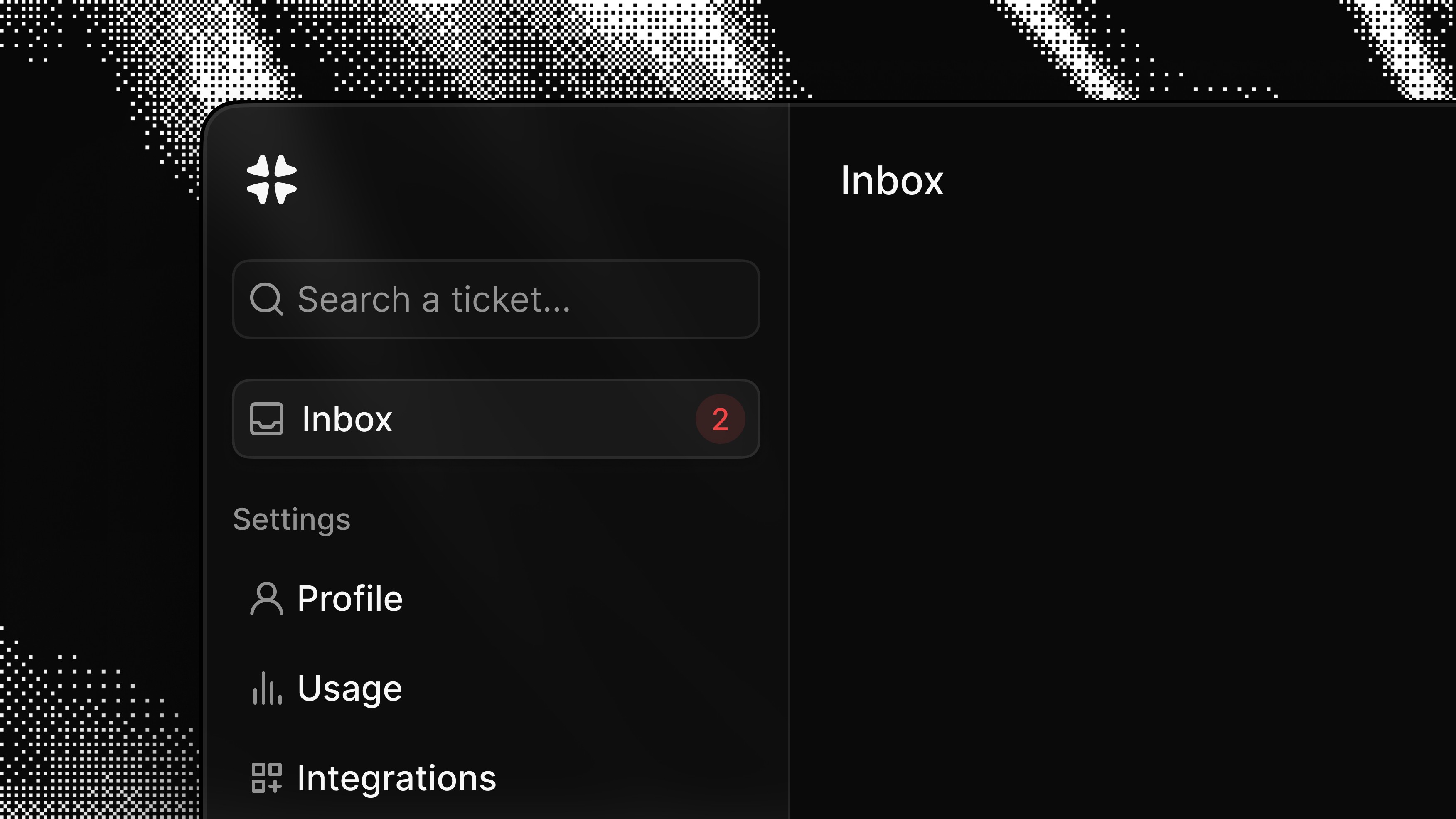
Lyse v0.3.0 brings a redesigned Inbox that makes reviewing design system changes faster and cleaner. All tickets from a single Figma library publish are now grouped together, giving you a clear overview instead of a scattered list. The Inbox also introduces batch actions — you can now publish multiple tickets at once or discard changes that don't need to reach your providers. This release also includes a completely revamped in-app onboarding that guides you step-by-step through connecting your providers (Figma, Linear, Jira, GitHub, GitLab), and improved rendering for deleted components so you can see exactly what was removed.
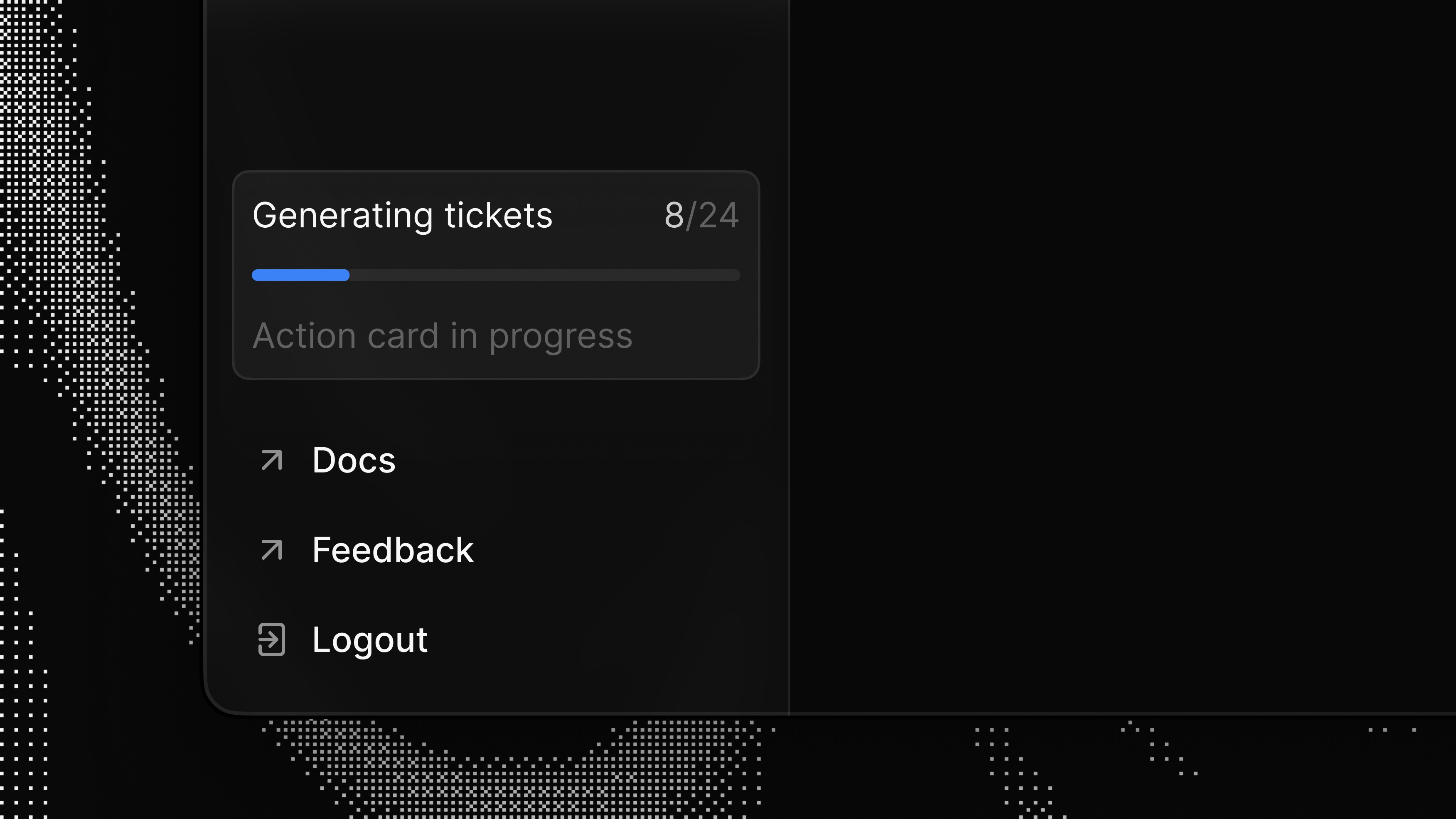
Lyse 0.2.2 brings small but important improvements that make it easier to understand what happens after every Figma publish. The Webapp now shows a live view of ticket generation, Watcher feature now support deleted components, Reviewer becomes more flexible with **multi-provider push**, and the Figma plugin onboarding has been redesigned to reduce friction when connecting design system files. This release strengthens observability, control, and trust, while keeping everything fully compatible with existing workflows.
This update improves control and visibility in the Lyse web app. After each Figma library publish, Lyse now detects newly created components more reliably and turns them into ready-to-run tickets with the right context. You’ll also see sharper design diffs on every component and variant, making it easier for teams to understand what changed at a glance.
This release introduces Ticket Reviewer, a new feature that lets you preview and approve every Lyse-generated ticket before it reaches your connected tools. Not every team is ready to let automation open tickets directly in Jira or Linear, so Reviewer adds a human validation step between a Figma library publish and ticket creation. From your Lyse inbox, you can now review, approve, or archive each ticket, keeping automation speed while regaining control on every update.
Each time your Figma library is published, Watcher quietly detects changes to components and variants and turns them into ready-to-do smart tasks in your connected tools (Jira, Linear, GitHub). We’re introducing the Lyse Figma plugin, it connects variables from your library file so Lyse can fetch and display them in tickets—adding precision for developers and AI agents (Cursor, Copilot, etc.).